

The Big 12 is one the most exciting conferences in NCAA football. Wondering how you can watch Big 12 teams like Kansas State without cable? In this guide from Flixed, we’ll discuss a few of your top options, including Sling TV, Fubo, Hulu With Live TV, DirecTV Stream, YouTube TV, and ESPN+. Read on and get all the details you need.
Watch Big 12 Conference on Sling TV
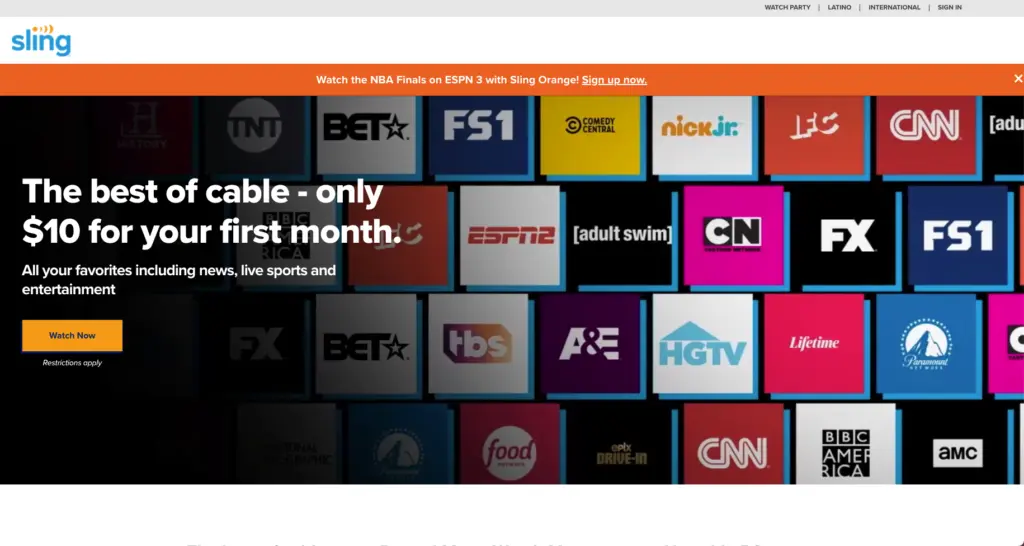
Sling TV is an affordable way to watch the Big 12 Conference without cable. It offers two packages, Sling Blue and Sling Orange. They both cost the same amount, but come with slightly different channels. They can both be combined with Sling Orange+Blue. This may be a good move if you want to watch Big 12 games. This is because Sling Orange has ESPN, while Sling Blue has Fox Sports. Neither package has broadcast networks like ABC and Fox, but you can watch them with an antenna.

Sling Orange
- 30+ channels
- ESPN, TNT, CNN and AMC
- Stream on one device
$45.99/month
Sling Blue
- 40+ channels
- Local channels in select cities
- News and entertainment
- Stream on three screens
$45.99/month
Sling Orange & Blue
- 45+ channels
- Sling's largest lineup
- Stream on four screens
$60.99/month
You’ll get some pretty good features with Sling TV, too. You can record 50 hours of content and upgrade to 200 hours of storage for $5/month. You can watch Sling Orange on 1 device at a time, and Sling Blue on up to 3 devices at once.
Device support is also excellent. You can watch Big 12 Conference without cable using iOS and Android devices, web browsers, Amazon Fire TV, Roku, Chromecast, Apple TV, and more.
Watch Big 12 Conference on Fubo
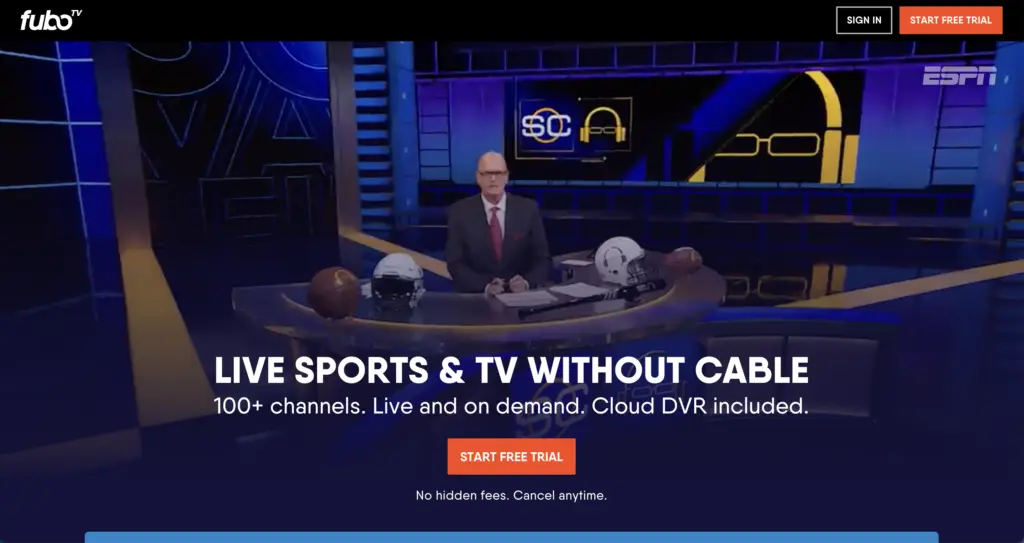
Fubo is a bit more expensive, but has pretty much all the channels you need to watch Big 12 Conference live without cable. The Pro package includes ESPN and Fox Sports, as well as ABC, NBC, Fox, CBS, and over 216+ other channels.

Fubo Pro
5-day free trial
- 216+ channels
- Unlimited cloud DVR
- Stream on 10 screens at home
- Regional sports fee added at checkout ($13 to $17)
$88.99/month
Fubo Elite
5-day free trial
- 280+ channels
- Unlimited cloud DVR
- Stream on 10 screens at home
- 4K Plus included
- Regional sports fee included
$98.99/month
As far as features go, you get unlimited DVR storage with the Pro package. You also can watch on up to 10 screens at once at home.
Fubo lets you watch on your favorite devices, too. It supports iOS, Android, and web browsers for on-the-go use. At home, you can watch on Amazon Fire, Chromecast, Roku, and Apple TV, as well as a few other devices. You can try Fubo free and see if you like it.

Watch Big 12 Conference on Hulu With Live TV
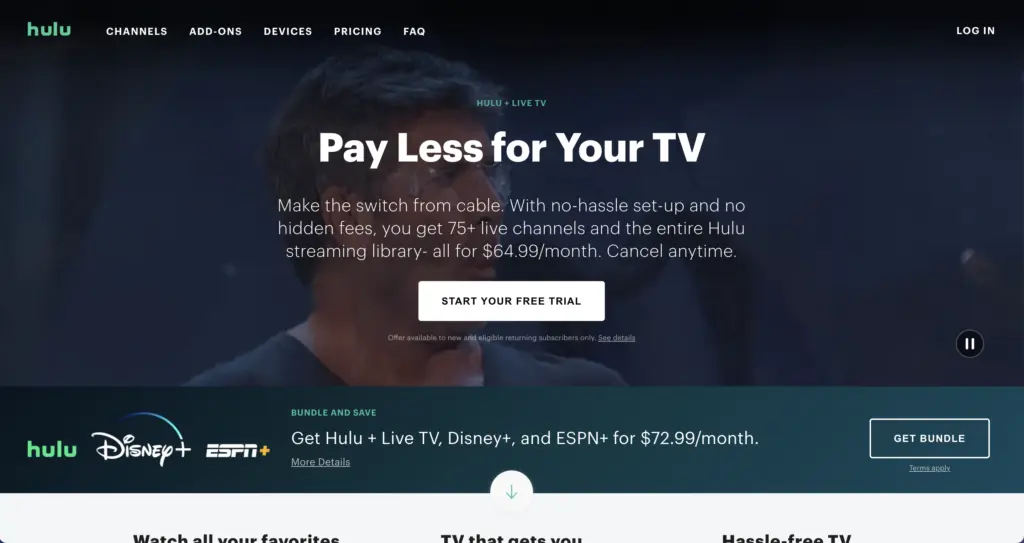
Hulu With Live TV is another good way to watch Big 12 games without cable. For your money, you get 95+ channels depending on your location. This includes ESPN, Fox Sports, ABC, and Fox, to name just a few. That means you’ll always catch the best nationally-televised NCAA football games.

Hulu (With Ads)
- Stream on two screens
- Big movies
- Hit TV shows
- On demand content
$12.49/month
Hulu Premium (No Ads)
- No ads
- Stream on two screens
- Hit TV shows and movies
- Offline downloads
$21.49/month
Hulu Live TV Only
- 95+ live channels
- Unlimited DVR
- Stream on two screens
$98.99/month
Hulu + Live TV, Disney+ and ESPN Select
$49.99 for the first month (ends Oct 26, 2026)
- 95+ live channels
- Disney+ and ESPN Select included
- Unlimited DVR
- Stream on two screens
$99.99/month
Hulu Premium + Live TV, Disney+ Premium and ESPN Select
- 95+ live channels
- No ads on on-demand content
- Disney+ Premium and ESPN Select included
- Stream on two screens
$109.99/month
Hulu With Live TV’s features don’t disappoint, either. You get unlimited DVR storage, and you can watch on up to 2 devices at once. It costs $9.99/month to unlock unlimited at-home streams.
The list of supported devices is too long to put here in full. It includes iOS and Android, web browsers, Amazon Fire devices, Chromecast, Roku, Apple TV, and much more.
Watch Big 12 Conference on DirecTV Stream
DirecTV Stream is a bit expensive, but is still a viable option for cord-cutters who want to catch most Big 12 games this NCAA season. The basic “Entertainment” package comes with 90+ channels including NBC/ABC/CBS/Fox, Fox Sports, and ESPN, to name just a few.

DIRECTV Stream Entertainment
$59.99 for the first month
- 90+ channels
- Local channels and ESPN Unlimited
- Unlimited cloud DVR
- Unlimited streams
$89.99/month
DIRECTV Stream Óptimo Más
- 100+ live TV channels
- Spanish and English programming
- Unlimited cloud DVR
$74.99/month
DIRECTV Stream Choice
$64.99 for the first month, then $10 off for 2 months
- 125+ channels
- Includes regional sports networks
- Unlimited cloud DVR
- Unlimited streams
$94.99/month
DIRECTV Stream Ultimate
$99.99 for the first month, then $10 off for 2 months
- 160+ channels
- Includes regional sports networks
- STARZ Encore and NHL Network
- Unlimited cloud DVR
$129.99/month
DIRECTV Stream Premier
- 185+ channels
- Includes HBO Max, Paramount+ with SHOWTIME, STARZ and Cinemax
- Includes regional sports networks
- Unlimited cloud DVR
$159.99/month
Its features are okay, though your oldest recordings will be deleted after 9 months. Unlimited DVR storage is now included at no extra cost. Its simultaneous streams are a lot better, though. You can watch on unlimited devices at home, which is by far the largest number offered by any internet TV service.
Device support covers pretty much what you’d expect. You can watch Big 12 games on Android, iOS, web browsers, Amazon Fire TV, Chromecast, Roku, and Apple TV. Try DirecTV Stream free for 5 days to see if you like it.
Watch Big 12 Conference on ESPN+
ESPN+ (now ESPN Select) is the exclusive home of some Big 12 matches this year. It usually broadcasts 1-2 games per week, so it’s not necessarily required if you want to watch Big 12 Conference without cable. However, it’s pretty affordable, and it may be worth it if your team is playing some Big 12 games that will be broadcast on ESPN+.
Along with live streams, ESPN+ does offer a good amount of on-demand content related to sports, such as an archive of the well-regarded ESPN 30 For 30 documentaries. You can stream ESPN+ on up to 3 devices at once, whether you’re watching live content or on-demand shows.
If you’d like to give ESPN+ a try, just click here. There’s no free trial available, but you can sign up for a single month and cancel at any time with no penalties.
Watch Big 12 Conference on YouTube TV
YouTube TV is another viable alternative if you want to stream Big 12 games live without cable. Similarly to Hulu With Live TV, your subscription will get you 100+ channels. This includes NBC/ABC/CBS/FOX, ESPN, and Fox Sports, to name just a few.

YouTube TV’s most notable feature is its unlimited DVR. You can record as much content as you want. The only limitation is that your recordings expire after 9 months. You can also stream on up to 3 devices at once, and create 6 individual user accounts with each subscription.
Device support is stellar, as you may expect. You can stream on web browsers, iOS, Android, Amazon Fire devices, Chromecast, Roku, and Apple TV, as well as some smart TVs and gaming consoles. Click here to try YouTube TV for free, and see if you like it.
Watch the Big 12 Conference on devices
How to watch Big 12 Conference on Amazon Fire TV
You can watch Big 12 Conference on Amazon Fire TV with the following services: Sling TV, Fubo, Hulu With Live TV, DirecTV Stream, YouTube TV, and ESPN+. Download the app for your preferred streaming service, sign in, and enjoy.
How to watch Big 12 Conference on Roku
You can watch Big 12 Conference on Roku with the following services: Sling TV, Fubo, Hulu With Live TV, DirecTV Stream, YouTube TV, and ESPN+. Add the channel you want from the Roku Channel Store, sign in, and start streaming right away.
How to watch Big 12 Conference on Apple TV
You can watch Big 12 Conference on Apple TV with the following services: Sling TV, Fubo, Hulu With Live TV, DirecTV Stream, YouTube TV, and ESPN+. Head to the App Store, download the app you need, then sign in or sign up. After that, you can start streaming the big game immediately.


Eric Liston • Author
Eric Liston is a content writer based in Columbus, Ohio. Since 2015, he’s been writing about technology, cord-cutting, and helping everyday people save money. He also has expertise writing about medicine, dentistry, insurance, and a variety of other industries. No matter what he’s writing, his focus is always on simplifying complex concepts and making them approachable for everyone. When he’s not slamming away on his keyboard at his home office, you’ll find Eric reading sci-fi novels, improving his disc golf game (he just hit his first 400-foot drive) and playing video games on his gaming PC.

Desiree Wu • Editor
Desiree is a full-time Honours Business Administration student at Ivey Business School at Western University. She also served as an Editorial Intern at Flixed. Desiree is based in London, Ontario.
How To Watch


Flixed.io's contributors and editorial team will often recommend products we believe to be useful for our readers. We may receive an affiliate commission from product sales generated through these affiliate links.